


What Goes Into Producing a Large Corporate General Session?
Quick Answer: What Goes Into Corporate General Session Production?
Corporate general session production brings audio, video, cameras, lighting, staging, presenter support, and show management together so the entire audience can see, hear, and follow the program. The work includes room design, technical coordination, content preparation, rehearsals, and a crew that executes each transition. Rigging, scenic elements, recording, and streaming depend on the event.
For planners, the goal is a clear message and a confident delivery from the first walk-up to the final cue. A larger budget should support the experience your program needs, with time and people allocated to make it work.
Key Takeaways
- Design for the audience in the back and side seats as well as the front row.
- Plan screens, cameras, lighting, audio, and staging as one coordinated system.
- Build presenter support and rehearsal time into the scope.
- Use a working run of show to define crew, equipment, and transitions.
- Confirm venue requirements and production priorities before committing the budget.
What Is a Corporate General Session?
A corporate general session brings the full event audience together for shared programming: executive presentations, keynotes, company updates, panels, or recognition. Unlike a breakout, it serves a common message. A sales kickoff, leadership conference, or annual meeting may use several general sessions with different technical needs.

Room-Wide Audio Coverage: Make Every Word Understandable
Clear speech is the foundation of a successful general session. A system that sounds strong near the stage can still leave the back of a deep ballroom struggling to understand the presenter. Design starts with room dimensions, seating, acoustics, stage placement, and the balance between speech, music, and video playback.
Speaker placement and system tuning help deliver consistent coverage. Larger or more complex rooms may need additional speakers for front, side, or rear seating areas, with timing adjusted so they work together. The right solution follows the room rather than a fixed speaker count.
Plan the Microphone Workflow
Count everyone who needs to be heard at the same time, including moderators and audience questions. Choose handheld, lavalier, headset, or lectern microphones around the presentation style and clothing. Wireless coordination, battery management, backstage fitting, and a ready backup all belong in the plan.
Recording and streaming may need audio mixes separate from the room. Share those requirements early so remote viewers, camera recordings, and the live audience each receive the appropriate sound.

Video, Sightlines, and Cameras: Design for the Whole Room
Video and Sightlines
Start with what attendees must read and how far they will sit from it. Screen size, height, placement, seating angles, and stage obstructions all affect visibility. Detailed charts need different treatment from full-screen brand graphics. Review actual presentation samples before approving the display design.
Projection and LED walls can both support a large general session. Compare ambient light, viewing distance, available space, content resolution, installation needs, and budget. Confirm screen dimensions and content formats before the creative team builds final assets.
Cameras and IMAG
IMAG means image magnification: live camera images displayed on screens in the room. It helps attendees see a speaker’s expression, a panel exchange, or an onstage demonstration. The decision depends on sightlines and program needs, not a universal attendance threshold.
Plan camera positions, platforms, operator access, lenses, and clear views together with seating. Decide which screens show slides and which show the speaker. A dedicated video team coordinates switching, framing, and transitions; recording or streaming introduces additional deliverables.
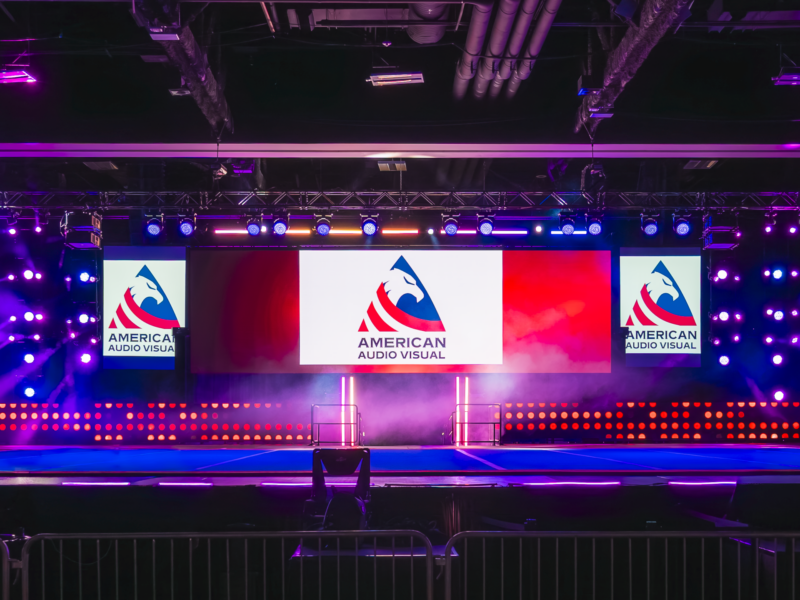
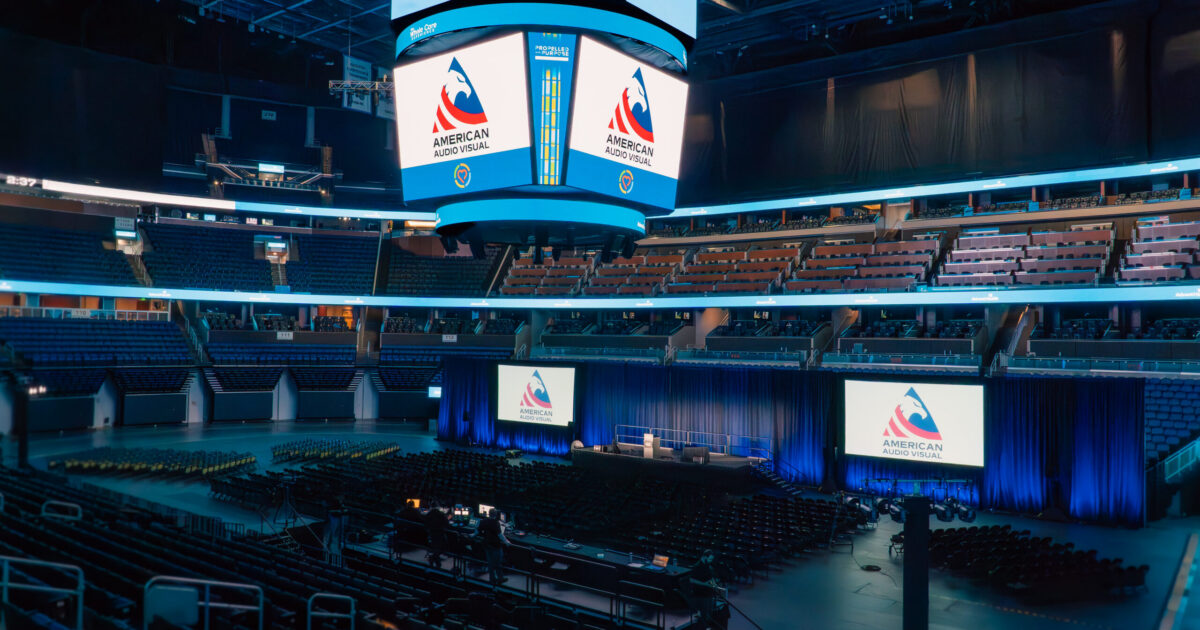
See how AAV combined a main LED wall, side screens, stage design, and lighting in this Dallas general-session case study.

Lighting, Staging, Scenic, and Rigging Work Together
Lighting for Presenters and Cameras
Stage lighting makes faces visible in the room and on camera. Plan coverage for the lectern, panel seating, and presenter movement. Balance the stage with LED or projection brightness, and use room lighting to support arrivals, presentations, and transitions without washing out the screens.
Staging and Scenic
The stage must support how people enter, present, sit, and exit. Review usable space, furniture, step and ramp access, backstage holding, camera angles, and paths for stage changes. Scenic elements frame the brand and hide backstage activity, but should preserve sightlines and practical access.
Rigging and Venue Coordination
Suspended audio, lighting, and video systems require early coordination with the venue and qualified rigging professionals. Confirm approved points, load limits, required drawings or engineering, house labor, power, and installation windows. Ground-supported systems also need space, stability, and a suitable design.
Our guides to flown versus ground-supported LED and venue rules that affect event AV explain decisions to resolve before the room plan is locked.
One Program. One Coordinated Production Plan.

Presenter Support: Build Confidence Before the Walk-Up
Executive speakers should know where to go, what they will see, and how the crew will support them. Confirm individual preferences early; a keynote, panel moderator, and awards host may each need a different setup.
- Confidence monitors: place current slides, next slides, notes, or a program feed where presenters can see them without turning toward the audience screens.
- Timers: agree on countdowns, warnings, and who manages changes when a segment runs long.
- Teleprompter: confirm script format, operator support, sightlines, and rehearsal when a scripted delivery calls for it.
- Playback and slide control: assign responsibility for advancing slides and rolling videos, confirm file versions, and test backup playback.
- Microphones: schedule fitting and sound checks, plan handoffs, and make a backup accessible.
- Walk-up music: identify the approved track, start point, cue, fade, and microphone handoff so the introduction feels intentional.
For remote presenters, also plan a return feed, communication, connectivity checks, and a fallback. These details affect crew roles and equipment well before show day.

Rehearsals, Cueing, and the Run of Show
How the Run of Show Shapes the Technical Plan
A run of show turns the agenda into operating instructions. It identifies timing, presenters, content, microphones, screen destinations, lighting looks, stage changes, and the person calling each cue. Share the working version early and maintain one controlled version as decisions change.
For example, moving from an executive keynote into a four-person panel changes microphone needs, stage furniture, camera framing, lighting coverage, and backstage coordination. Adding a remote guest introduces another audio and video path. Even a short video needs an agreed start cue, audio level, ending frame, and transition back to the speaker.
Rehearse the Transitions, Too
Protect time for system checks, a technical cue-to-cue rehearsal, and presenter rehearsals. Test actual slides and videos, microphone technique, monitor views, stage entrances, and the moments where departments must act together.
Agree on who calls the show and how audio, video, lighting, camera, and stage teams communicate. Rehearse practical fallback actions for a failed microphone or playback source. A rehearsal gives the team a shared plan and gives presenters a chance to ask questions before the audience arrives.
Learn more about how AAV prepares for show day.
What AAV Looks At When Designing a General Session
At American Audio Visual, we connect the event’s purpose with the room, program, and resources available. For corporate general session production, the starting point is what the audience needs to understand and what the presenters need to deliver.
- Goals and audience: the message, attendance, seating, accessibility needs, and most important moments.
- Venue and logistics: dimensions, ceiling height, rigging, power, loading access, storage, and room availability.
- Program and content: presenter counts, panels, reveals, videos, remote contributors, and screen formats.
- Delivery requirements: in-room coverage, IMAG, recording, streaming, and content handoff.
- People and schedule: technical roles, show leadership, rehearsals, setup, changeovers, and load-out.
- Budget and resilience: essential systems, appropriate backups, optional enhancements, and venue-direct costs.
We use those inputs to discuss tradeoffs with your planning team. A bigger scenic concept should still leave room in the budget for readable content, clear audio, crew coverage, and rehearsals. Our corporate event AV budget guide helps frame that conversation.
Bring us into the discussion while the room and agenda are still flexible. Explore AAV’s AV and event production services and our production process, then share the working plan so we can identify the next decisions together.